
I remember when I started working as a DevOps Engineer.
For me, “Best-Practices” was the most sacred phrase.
I searched for best-practices not only when I wanted to know how to do something. I searched for best-practices to get inspiration for what I should do.
In hindsight, big mistake. It happened because I didn’t have a clear goal.
When you don’t have a clear goal, you’ll try to see what the experts do and copy. You’ll end up embracing their best-practices without knowing why they did them.
I’ll share with you here why “One-Click Environment” is the ultimate DevOps goal.
As a bonus, I’ll share a framework to achieve it fast.
The ultimate DevOps goal: One-Click Environment
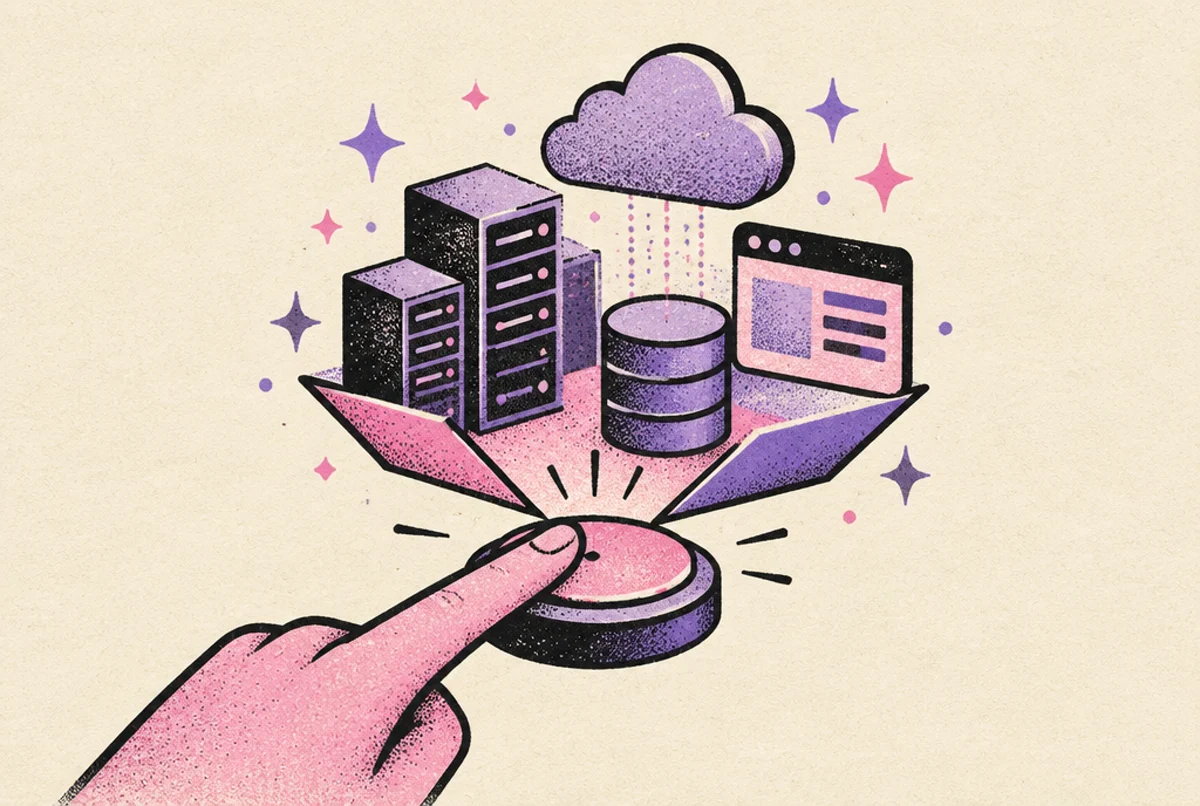
Looking back, the goal you should set is simple: Create an environment in “One-Click”. I’m saving you years of confusion that I had to go through.
Why is this the ultimate goal, you ask? Three reasons:
- It makes it easy to test changes
- It makes it clear what should be automated
- It improves the system’s recoverability
What do I mean by “Environment”?
A ‘clean’ and working version of the entire system.
The most popular environment is the Production environment, which serves the clients.
There are static testing environments, such as ‘dev’, ‘staging’, ‘uat’, and more.
There are also ephemeral testing environments, such as Pull-Request-Environments, Git-Branch-Environments, Developer-Environment, etc.
Why it makes it easy to test changes
The company with the fastest development speed I ever saw was a supply-chain startup. They deployed high-quality code to production a lot, every day, with no downtime.
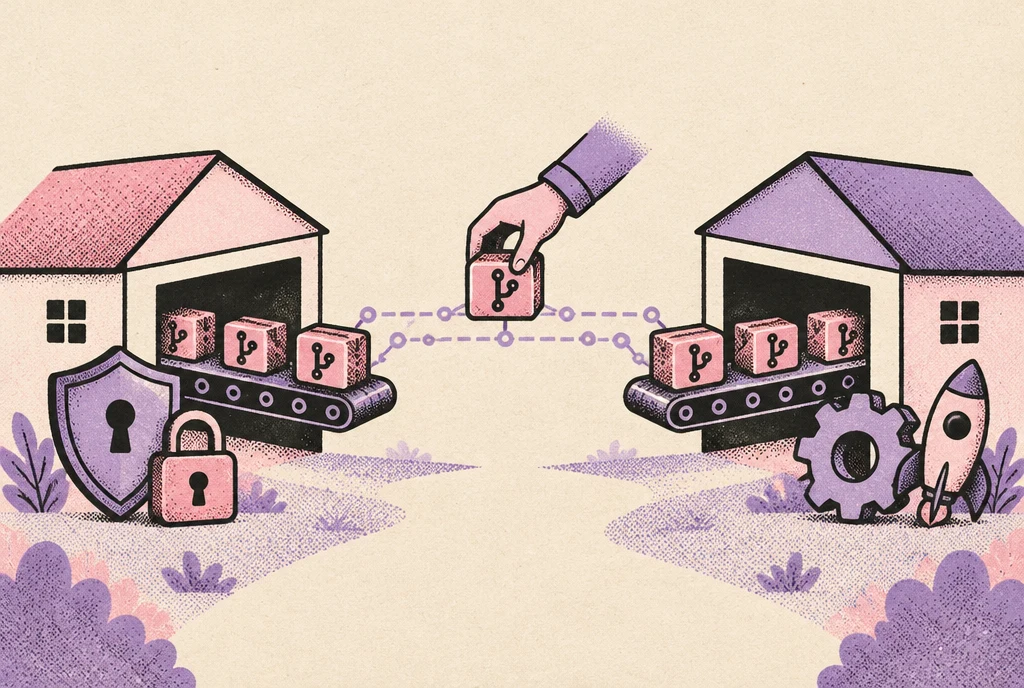
How? We deployed ephemeral environments for every pull-request. The environments were identical to production. After running automated tests they terminated.
We used Pulumi (Typescript) on AWS and documented how to change the environment. This way developers took part in contributing to the environments.
Programming is not Mathematics
Edsger Dijkstra was one of the pioneers of computer science. He envisioned programming as a mathematical discipline. He thought programmers would mathematically prove their code works.
When was the last time you wrote a mathematical proof for your code? Probably never.
Programming is Science
Instead, you took the scientific approach: You ran some tests to see if your code works as expected. And how do you run tests? On an environment of course!
The easier it is to create an environment, the faster you’ll be able to run your tests. The ‘cleaner’ your environment is, the more trust you’ll have in the test results.
Why it makes it clear what should be automated
Another startup we work with has 15 Kubernetes clusters with 2,200 nodes on GCP, all created manually!
Developers asked for support many times a day: “Create this DB”, “I need a new NodePool”, etc.
With every new request, we had to ask: “Should this be automated?”
We ended up automating everything required for every new environment.
How? We created a Pulumi Typescript codebase and imported the entire infrastructure into it. On top of that, developers felt comfortable contributing to it, as it was a Typescript project.
The “should this be automated?” mental struggle
I asked myself at least 1,836 times “should this be automated?”, on lots of things. Sometimes I decided to automate nonsense.
If you want to understand if it's worth automating, ask yourself 2 questions:
- Is it going to happen again?
- Will automating it take less time than doing it manually?
Don’t rely on your memory
You’ll need to remember every ad-hoc modification you did to an environment. If a change isn’t done as part of the “One-Click Environment” automation, you’ll have to rely on your memory and do it again.
Imagine a developer creating a new environment, running its tests, only to find out the DB isn't there. Someone created it manually in the other environments.
Bottom line, how do “One-Click Environments” guide automation?
Next time you ask yourself “should this be automated?”
- If it’s part of what a new and clean environment needs: Easy YES
- If not: A strong maybe
By the way, maybe you want to automate it, but you’re drowning in so many requests that it’s impossible.
In that case, send your management this article.
It's about calculating how much DevOps capacity your company needs.
Maybe it’ll help understand how much DevOps capacity you need.
Why it improves the system’s recoverability
An IoT startup we worked with had 5 clients, with an AWS account per client.
It was supposed to be the same system per client, but it wasn’t!
Each account’s production was created with Terraform (Terragrunt) and Ansible. But, there were so many ad-hoc changes, it took about 2 to 4 days to create a full environment from scratch.
We decided to use Jenkins and created a pipeline that automated everything. When we finished, you could deploy a full environment from scratch in 50 minutes (after some parallelization it went down to 20 minutes).
You should have heard the sigh of relief the team had when the demo finished: “No more fear of not recovering from a production incident!”
Create a new environment and route traffic to it
Think about your production: what would it take to create it from scratch? If your answer is “I don’t know”, it’s most likely because some things were created manually or ad-hoc.
If your answer is “one-click”, we are hiring. Please click this link asap: Senior DevOps Engineer Position at MeteorOps.
Imagine a production failure that requires creating a new environment, and finding out you can't. Some things were modified manually.
Or, as the poet Capone-N-Noreaga wrote: “Oh no, oh no, oh no no no no no”.
When you have “One-Click Environments”, you can deploy a new environment fast and use it instead of the old one.
It also improves high-availability
When you can create an environment from scratch, things become easier:
- Creating a multi-region setup
- Creating an active-active setup
- Creating an active-passive setup
You can deploy many environments in different locations, and route traffic to an environment based on your needs.
TPCS: A useful framework to achieve a One-Click Environment
Tools, Pipeline, Contributions, State

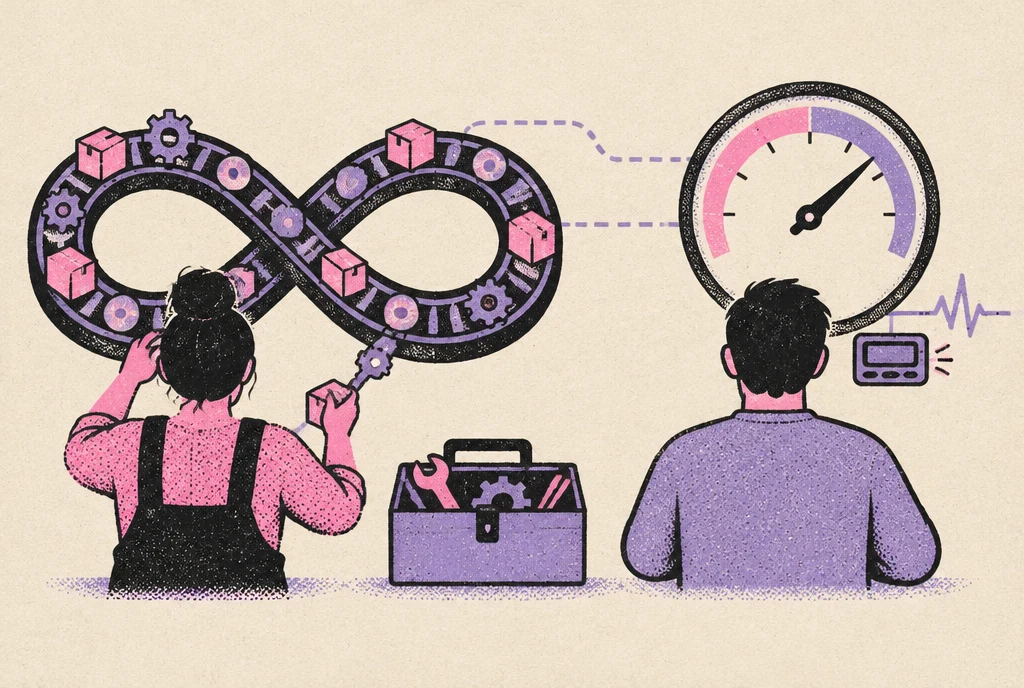
It all boils down to 4 things you should be doing:
- You should choose the tools to: manage data, provision, deploy, configure, secure, test, monitor, and automate
- Then you should build the pipeline that uses the tools to create the environment
- You should also make it easy to contribute to the pipeline that creates an environment
- And, you should continuously reconcile the state of the system to its desired state
Principles for choosing tools
Choose tools that answer the below requirements:
- More native integrations per tool, less glue required: makes building the pipeline easier (e.g. AWS)
- Popular tools with active communities make documentation easier (e.g. Kubernetes)
- Tools with a declarative syntax are self-documenting and save you some hassle (e.g. Terraform)
- Tools with native state management will save you time reconciling the state of the system (e.g. Terraform)
- Tools with extensive APIs will make it easier to give the developers more ownership (e.g. Pulumi)
Guidelines to build the pipeline
This is where your flexibility is your number one priority:
- Choose a flexible automation platform (e.g. Jenkins)
- Create one pipeline and make it possible to pass parameters to it
- Manage the pipeline’s code straight in Git
- Bonus: Parallelize its stages to speed it up
Make it easy to contribute
- Describe the desired state of the system in a Git repository, and make it easy for developers to contribute
- Make it clear where to find infra-related stuff, deployment-related stuff, etc
- Write good documentation
Good documentation answers these questions:
- How to provision a resource?
- How to deploy a workload?
- How to configure the system?
- How to secure the system?
- How to test changes?
- How to monitor a workload?
- How to automate a process?
- How to manage the data’s lifecycle? (e.g. Run DB migrations)
Reconcile the state of the system
This step is made easier if you chose idempotent tools with state management, and made harder if you didn’t! (choose idempotent tools)
The guiding principle here is simple. If you run the pipeline twice with the same parameters, nothing should happen the second time.
That’s it, you’re good to go!
But first…
A Recap!
- Without a useful goal, you might embrace “best-practices” that aren’t good for you.
- The most useful goal for a DevOps Engineer is being able to create an environment with “One-Click”.
- Because it makes it easy to test changes,
- And it makes it clear what should be automated,
- And it makes it easy to recover the system.
- A framework that helps achieve this goal is TPCS: Tools, Pipeline, Contributions, State
Whenever I think about going forward without a goal, I’m reminded of this gem from ‘Alice in Wonderland’:
“Alice: Would you tell me, please, which way I ought to go from here?
The Cheshire Cat: That depends a good deal on where you want to get to.
Alice: I don't much care where.
The Cheshire Cat: Then it doesn't much matter which way you go.
Alice: ...So long as I get somewhere.
The Cheshire Cat: Oh, you're sure to do that, if only you walk long enough.”
Lewis Carroll, Alice in Wonderland
If you want to implement the “One-Click Environment” in your company
You should know we (MeteorOps) took many companies from “no-automation” to “one-click environment”. If you’re interested in a free consultation about it, feel free to click here 👈