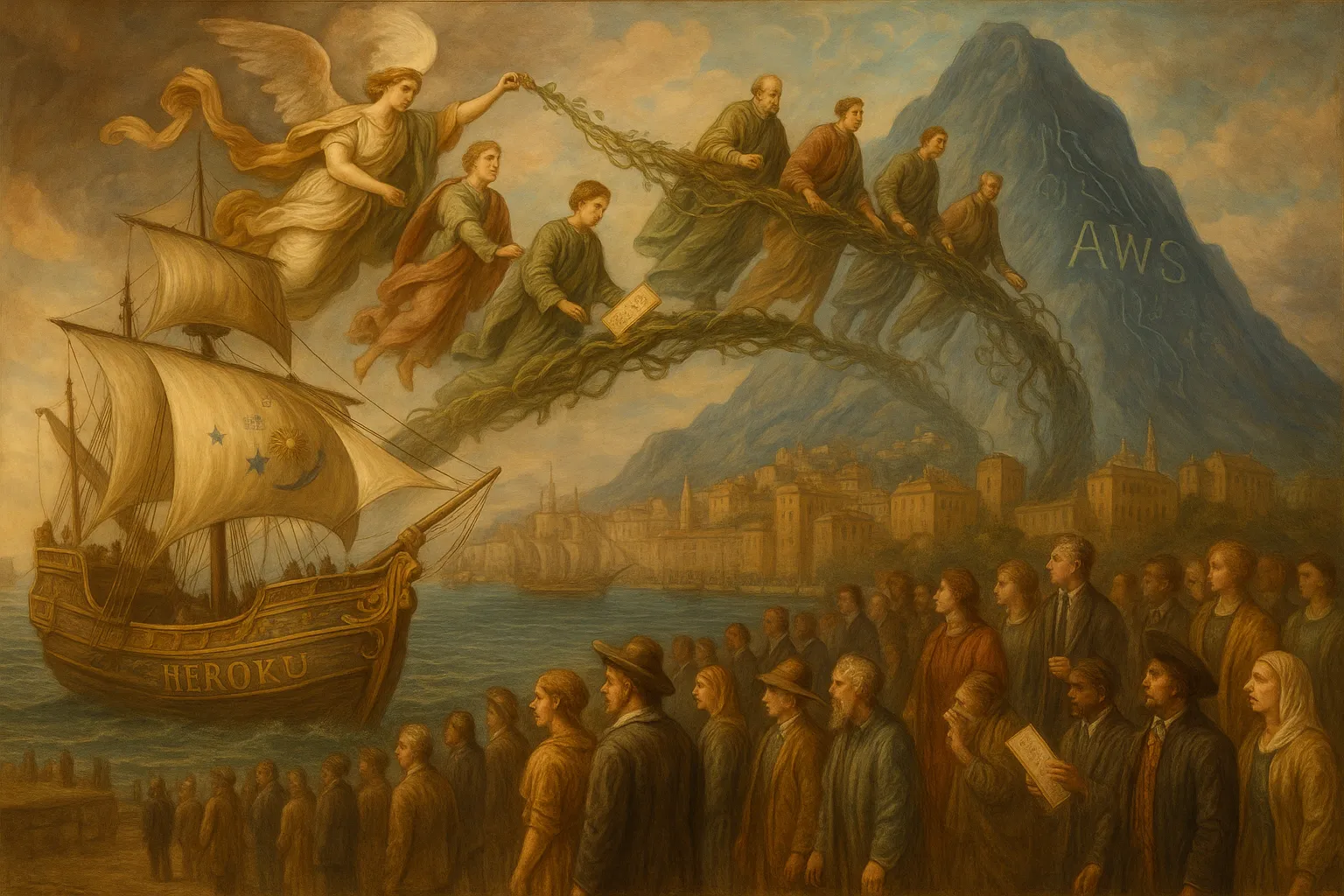

Moving from Heroku to Amazon Web Services (AWS) usually starts when the team needs more control, lower unit costs, stricter networking, or infrastructure patterns that Heroku no longer fits. The pressure often arrives at an awkward time: the product is growing, releases cannot slow down, and the original platform choices are tied into deployments, databases, background jobs, secrets, logs, and incident response.
A good migration plan is less about picking AWS services first and more about understanding what Heroku has been doing for you. Heroku hides many operational decisions by design. AWS gives you more control, but that control comes with more choices and more failure modes. Before you move workloads, map the current system, decide what must change, and reduce cutover risk with staged work.
Start by mapping what Heroku is running today
Do not begin with a target architecture diagram. Begin with an inventory. Heroku applications often look simple in the dashboard, but production behavior may depend on add-ons, scheduled jobs, one-off dynos, buildpacks, environment variables, log drains, database followers, and deployment habits that live outside the main codebase.
Build a migration worksheet that covers each application and worker process. At minimum, capture:
- Web processes: dyno type, process count, routing behavior, timeouts, health checks, and expected traffic patterns.
- Background workers: queue names, concurrency, retry behavior, dead-letter handling, and job duration.
- Scheduled work: Heroku Scheduler tasks, cron-like jobs, data backfills, cleanup tasks, and report generation.
- Datastores: PostgreSQL, Redis, object storage, search services, external databases, backups, and restore needs.
- Configuration: environment variables, secrets, feature flags, build-time variables, and app-specific settings.
- Networking: inbound traffic, outbound allowlists, private connectivity, custom domains, Transport Layer Security (TLS), and third-party callbacks.
- Observability: logs, metrics, alerts, uptime checks, error tracking, and incident runbooks.
- Deployment flow: Git-based deploys, review apps, release phase commands, database migrations, rollbacks, and who can deploy.
This inventory usually exposes the real scope. For example, a Rails app may have one web dyno, two Sidekiq worker dynos, a release phase migration, Redis, Heroku Postgres, a log drain, and a nightly scheduled task. If the AWS plan only accounts for the web process, the migration will fail late.
Choose the AWS target based on operating model, not preference
AWS gives you several valid ways to run an application. The right choice depends on how much platform work your team wants to own. If you are moving off Heroku because you need better network control, private subnets, custom scaling, or deeper integration with other AWS services, the extra ownership may be worth it. If the team is small and wants minimal operational load, avoid building more platform than you can maintain.
Common target patterns include:
- AWS Elastic Container Service (ECS): A practical choice for containerized web and worker workloads when you want managed orchestration without operating Kubernetes. ECS works well for many Heroku-style applications that can be packaged as containers. See the AWS ECS technology overview for more context.
- Kubernetes on AWS: A fit when your team already has Kubernetes experience, needs portability, or runs many services with shared platform patterns. It adds flexibility, but it also adds cluster, ingress, policy, and upgrade work.
- Platform as a Service on AWS: Some teams use higher-level AWS services to keep operations lighter. This can reduce migration shock, but you still need to validate deployment, scaling, observability, and rollback behavior.
- Virtual machines: Useful for legacy workloads or special runtime needs, but often a step backward for applications that already fit process-based or container-based deployment.
For many teams, the first decision is whether to standardize on containers. Heroku buildpacks hide the image creation step. AWS platforms commonly expect a container image or a defined runtime artifact. If you containerize, make sure local development, continuous integration (CI), security scanning, and release promotion all use the same build path.
When evaluating target services, write down what your team will own after the move. For example:
- Who patches the base image?
- Who manages load balancer settings and TLS certificates?
- Who owns autoscaling thresholds?
- Who responds when a deployment passes CI but fails health checks?
- Who maintains infrastructure definitions and reviews changes?
If those answers are unclear, the migration plan is still incomplete. AWS can be a strong target, especially when teams need control over compute, networking, identity, and managed services. You can review the broader AWS service area if you are comparing options at a platform level.
Plan data migration before application migration
Data usually sets the migration timeline. Application code can move in stages. Databases, queues, and stateful services require more careful sequencing because they affect downtime, consistency, and rollback options.
Start with the primary database. Identify its size, extensions, connection count, write rate, backup schedule, and acceptable downtime window. Then decide whether you can use a simple dump and restore or need replication.
A small internal tool with a low write rate may tolerate a scheduled maintenance window. A customer-facing product with constant writes may need a live replication strategy, a short final cutover, and a tested rollback plan. Avoid choosing the method based only on database size. Write behavior and downtime tolerance matter more.
For each datastore, answer these questions:
- What is the source of truth? If multiple services write to the same database, cutover coordination becomes harder.
- Can the app run in read-only mode? Read-only mode can make final sync safer when downtime must stay short.
- How will you validate the target? Row counts, checksums, application-level smoke tests, and sample queries all help.
- What is the rollback point? Once writes land in AWS, rolling back to Heroku may require reverse sync or accepting data loss.
- What happens to jobs during cutover? Background workers can write data while you are trying to freeze state.
Do not forget queues and caches. Redis may be used as a cache, a queue backend, a session store, or a rate-limit store. Each use has different migration risk. Losing cache data may be fine. Losing queued jobs may create customer-visible failures.
Rebuild deployment workflows deliberately
Heroku deployments are simple by default: push code, build, release, run. Teams often depend on that simplicity without documenting it. AWS deployments need equivalent behavior, especially around promotion, migrations, health checks, and rollback.
Define the new path for every release step:
- Build: Create the application artifact or container image in CI.
- Test: Run unit tests, integration tests, linting, and security checks as needed.
- Publish: Push the artifact to the target registry or storage location.
- Deploy: Update the service, task definition, instance group, or platform target.
- Migrate: Run database migrations in a controlled step with clear failure behavior.
- Verify: Check health endpoints, logs, metrics, and user-critical flows.
- Rollback: Return to the previous artifact or service version when verification fails.
Pay close attention to Heroku release phase commands. Many applications run database migrations automatically during release. If you carry that pattern into AWS without guardrails, you can create partial deployments: the schema changes, the app fails to start, and rollback becomes harder. Safer patterns include explicit migration jobs, backward-compatible schema changes, and deploys split into expand, migrate, and contract phases.
Infrastructure should be defined as code. Click-based setup can get you through a prototype, but it makes production hard to review and repeat. AWS CloudFormation, Terraform, and similar tools help teams define networks, load balancers, security groups, databases, roles, and services in version control. If your team uses native AWS templates, the AWS CloudFormation page gives a useful starting point.
The goal is a deployment workflow that engineers trust. A migration that makes every release feel risky will slow the team long after cutover.
Replace platform features Heroku handled for you
Heroku provides many defaults that disappear when you move. The AWS version of the app must include replacements for those platform behaviors, even when they seem small.
Secrets and configuration
Move environment variables into a managed secret and configuration pattern. Separate secrets from non-secret settings. Limit who can read production values. Make rotation possible without editing application code.
Logging and metrics
Heroku log drains often feed external logging tools. On AWS, decide how logs move out of the runtime and where teams search them during incidents. Add metrics for request rate, error rate, latency, queue depth, worker failures, database connections, memory, and restarts. Alerts should point to a runbook or a clear owner.
Networking and access
Heroku hides most network layout decisions. AWS requires choices about virtual private clouds, subnets, routing, load balancers, security groups, Network Address Translation (NAT), private endpoints, and outbound IPs. This is often one of the main reasons to migrate, so treat it as a first-class design area.
Scaling
Heroku scaling is easy to understand: change dyno count or size. AWS scaling can use CPU, memory, request count, queue depth, or custom metrics. Pick scaling signals that match the workload. A background worker should often scale on queue depth, not CPU alone.
Operations access
Teams often use one-off Heroku dynos for console access, repair tasks, or admin commands. Define the AWS equivalent before production cutover. That may be a controlled task runner, a temporary job, a bastion pattern, or a deployment pipeline action. Avoid giving engineers broad production shell access as a quick replacement.
If your migration includes Kubernetes, shared platform services, or multiple AWS accounts, invest early in repeatable infrastructure management. The patterns in this AWS and Kubernetes infrastructure management case study show the kind of operational concerns that appear once teams manage cloud infrastructure at scale.
Cut over in stages and keep rollback realistic
A successful cutover is planned, rehearsed, and boring. The worst version is a single weekend move where the team discovers missing secrets, broken callbacks, database connection limits, and DNS issues under pressure.
Use staged validation where possible:
- Build the AWS environment early: Deploy a non-production copy with the same infrastructure pattern planned for production.
- Run smoke tests continuously: Verify login, critical API calls, job processing, email sending, file uploads, and external integrations.
- Mirror production-like traffic if possible: Even limited read-only traffic can reveal routing, latency, and logging issues.
- Test database restore: A backup strategy is incomplete until restore has been tested.
- Rehearse cutover: Write the runbook, assign owners, define stop points, and time each step.
- Lower Domain Name System (DNS) Time to Live (TTL): Do this ahead of cutover if DNS will move.
- Freeze risky changes: Stop unrelated production changes during the migration window.
Your rollback plan must be honest. If users can write data in AWS after cutover, rolling back to Heroku is not a simple DNS change. You need a plan for data reconciliation, reverse replication, or a decision point before writes begin. A practical runbook should state the latest safe rollback moment.
Also define success criteria. For example, the team should know what error rate, latency, job backlog, and database health look like after cutover. “The site loads” is not enough. Use application-specific checks that reflect how customers use the product.
Takeaway
Plan a Heroku to AWS migration by mapping the current platform behavior first, then choosing AWS services that match your team’s operating model. Treat data, deployments, secrets, observability, networking, and rollback as core migration work. If you make the hidden Heroku assumptions explicit before you move, the AWS cutover becomes a controlled engineering project instead of a risky platform switch.