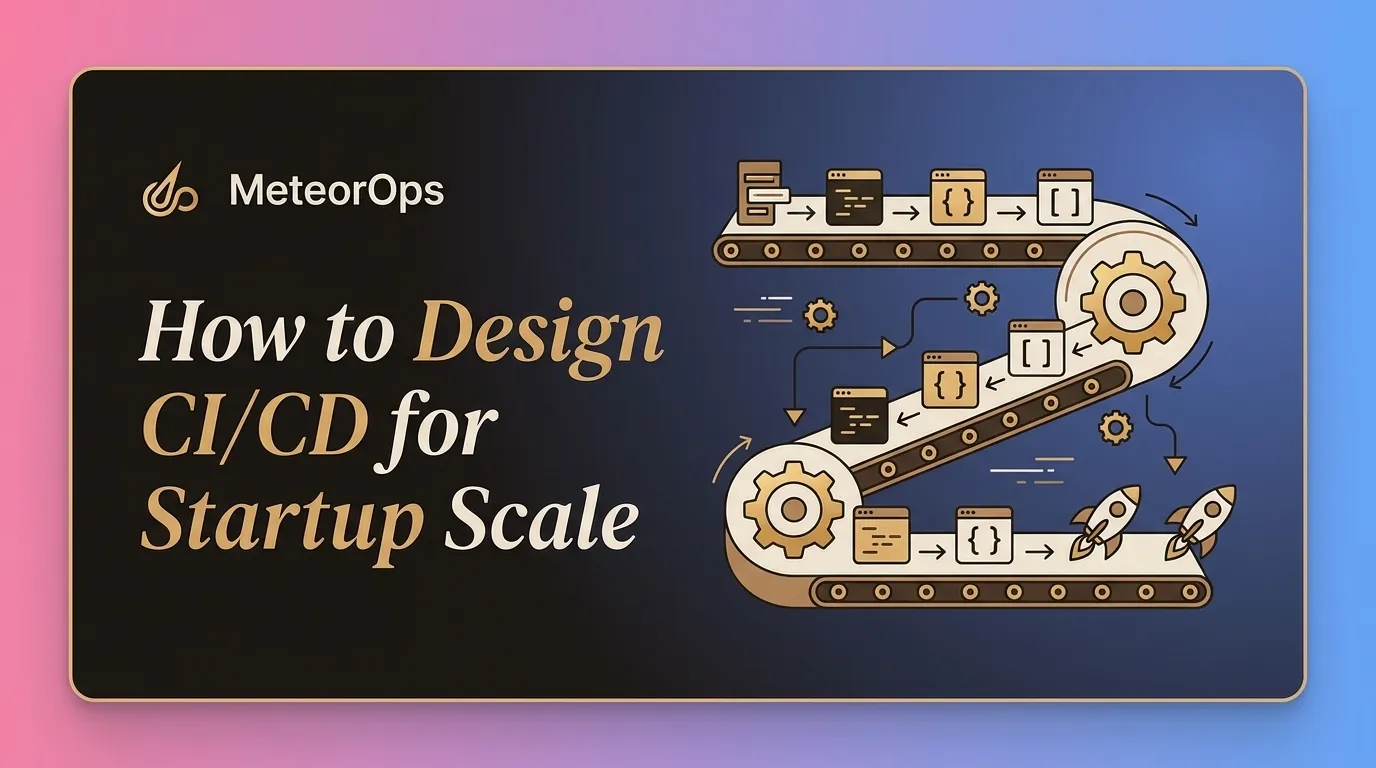

Continuous integration and continuous delivery, often shortened to CI/CD, usually starts simple at startups. A few checks run on pull requests, a pipeline builds a container, and someone clicks a deploy button. That works for a while, until releases slow down, flaky tests block urgent fixes, secrets spread through build jobs, or one risky migration can take production down.
The goal is not to build an enterprise release machine before you have enterprise problems. The goal is to design a delivery path that lets a small team ship often, recover quickly, and add controls without rebuilding the whole system every few months.
Start with the release path your team actually needs
A startup CI/CD design should match your current product, team size, and risk level. A team shipping one web application does not need the same release model as a team managing several services, regulated data, and multiple production regions.
Before choosing tools or adding pipeline stages, define the release path in plain language:
- What triggers a build? Common options include every pull request, every merge to the main branch, or a manual release branch.
- What must block a merge? This may include formatting, unit tests, static checks, dependency scans, and container builds.
- What must block production deployment? This may include integration tests, database migration checks, smoke tests, and manual approval for high-risk changes.
- Who owns a failed deploy? The answer should be clear before the alert fires.
- How do you roll back or roll forward? The team should know the exact path before an incident.
Start with one reliable path for the main product. Avoid building many special cases early. Special pipelines for one-off jobs, hotfixes, migrations, and customer-specific branches often become hard to maintain when no one owns them.
Separate fast feedback from release confidence
Many teams overload pull request pipelines. Every check runs on every change, developers wait 30 minutes for feedback, and people start bypassing the system. Slow CI creates process debt because engineers stop trusting it.
A better pattern is to split checks by purpose:
- Fast pull request checks: Formatting, linting, type checks, unit tests, and basic build validation should run early. A useful target is to keep the common pull request path under about 10 minutes.
- Merge checks: After code lands on the main branch, run a fuller build, package the artifact, and execute broader automated tests.
- Pre-deployment checks: Run smoke tests, migration validation, environment checks, and release policy checks before production changes.
- Post-deployment checks: Confirm that the service starts, health checks pass, core endpoints respond, and error rates stay within expected ranges.
This structure keeps developers moving while still protecting production. It also makes failures easier to understand. If a unit test fails on a pull request, the author fixes it. If a smoke test fails after deployment, the release owner investigates the deployed change and the target environment.
Flaky tests need direct attention. A flaky test that fails one out of ten runs will waste hours across a small team. Mark it, quarantine it, or fix it. Do not let unreliable checks decide whether urgent fixes can ship.
Design around ownership, not just automation
Automation fails when ownership is unclear. A pipeline can build, test, and deploy code, but it cannot decide who should respond when a deployment breaks a background worker, a database migration locks a table, or a third-party API change causes retries to spike.
Define ownership at a few practical levels:
- Service ownership: Each service or application should have an owner who understands its runtime behavior and deployment process.
- Pipeline ownership: Someone must maintain shared CI/CD templates, runners, credentials, and deployment workflows.
- Environment ownership: Development, staging, and production environments need clear rules for access, configuration, and cleanup.
- Release ownership: Each production deployment should have a person or team responsible for watching it complete.
For a small startup, this can be lightweight. You may only need a short ownership section in the repository README and a shared channel for deployment events. As the team grows, move repeated patterns into templates so every service does not invent its own pipeline.
Be careful with shared pipeline logic. Central templates help standardize security checks, artifact naming, caching, and deployment behavior. They can also block every team if a template change breaks. Treat shared CI/CD code like production code: review it, version it, and test it against at least one real service before rolling it out widely.
Make deployments boring before adding advanced release patterns
Startups often jump to advanced deployment patterns before the basics work. Canary releases, blue-green deployments, and progressive delivery can reduce risk, but they add moving parts. If your team cannot reliably build one artifact and deploy it to one environment, advanced release controls will make failures harder to debug.
Get these basics right first:
- Build once, deploy the same artifact everywhere. Avoid rebuilding a different container for staging and production. Promote the same artifact through environments.
- Keep configuration outside the artifact. Use environment-specific configuration, but do not bake secrets or environment values into the build.
- Run database migrations with care. Separate schema changes from application changes when needed. Prefer backward-compatible migrations for releases that may need rollback.
- Use health checks that reflect real readiness. A process that starts is not always ready to serve traffic. Include dependencies that matter for startup and request handling.
- Record what changed. Every deployment should show the commit, artifact version, environment, actor, and time.
After this foundation works, choose release controls based on actual risk. A small internal admin tool may only need manual approval and smoke tests. A customer-facing API with high traffic may need gradual rollout, automatic rollback triggers, and stronger observability during deployment.
Rollback strategy also needs honesty. Rolling back a stateless service is usually simple. Rolling back after a destructive database migration is not. For risky data changes, plan a forward fix, a restore path, or a staged migration before the release starts.
Treat infrastructure, secrets, and environments as part of CI/CD
CI/CD does not stop at application code. Startup delivery problems often come from infrastructure and environment drift. Staging differs from production, secrets live in pipeline variables with broad access, and cloud resources change manually during incidents.
Use infrastructure as code where it reduces risk and improves repeatability. This does not mean every resource must be perfect on day one. Start with the resources that affect deployments most: clusters, networks, databases, queues, identity permissions, and deployment targets.
If your team already runs Kubernetes and wants cleaner platform ownership, importing multiple high-scale Kubernetes clusters into Pulumi is one example of the kind of work that can bring existing infrastructure under a safer management model.
For secrets, keep the rules simple:
- Do not store secrets in the repository. This includes test credentials, local examples, and old deployment files.
- Limit CI/CD secret access by environment. A pull request job should not automatically receive production credentials.
- Rotate credentials used by build and deploy jobs. Long-lived tokens become a serious risk when many jobs and users can access them.
- Prefer identity-based access where possible. Short-lived credentials are safer than static keys copied across pipeline settings.
Environment design also matters. Many startups keep one shared staging environment. That can work, but it becomes noisy when multiple developers test unrelated changes at the same time. If staging constantly breaks, consider short-lived preview environments for pull requests or feature branches. Use them for application testing, not as a replacement for production-like release validation.
Watch the failure modes that slow startups down
CI/CD systems degrade gradually. A pipeline that felt fast six months ago can become a daily source of delay. Review the system before frustration turns into workarounds.
Common failure modes include:
- Pipelines that run too much work too often. Split expensive tests into scheduled, merge, or pre-release stages when they do not need to block every pull request.
- Unclear failures. A failed job should tell the developer what failed and where to look. Generic script failures waste time.
- Hidden manual steps. If someone must run a command locally after every deployment, put that step into the pipeline or document why it remains manual.
- Environment drift. If staging and production differ too much, passing staging tests gives false confidence.
- Weak artifact tracking. If you cannot tell what version is running in production, incident response becomes slower.
- Over-permissioned runners. Build jobs should not have broad cloud access unless they truly need it.
A practical review cadence helps. Once a month, look at pipeline duration, failure causes, flaky tests, deployment frequency, rollback events, and manual release steps. You do not need a large metrics program to start. Even a short review of the last 20 failed pipeline runs can show where the team is losing time.
Build for the next stage, not the final stage
Startup-ready CI/CD should give you a stable path to ship now and a clean path to improve later. Keep the system simple enough for the current team to operate. Add stronger controls when risk, team size, or customer expectations justify them.
A good next step is to map your current release path on one page. List every check, approval, secret, environment, deployment command, and rollback step. Then remove unclear ownership, shorten slow feedback loops, and automate the manual steps that repeatedly cause risk.
The best CI/CD design for a startup is the one your team trusts during a normal release and during a bad day in production.